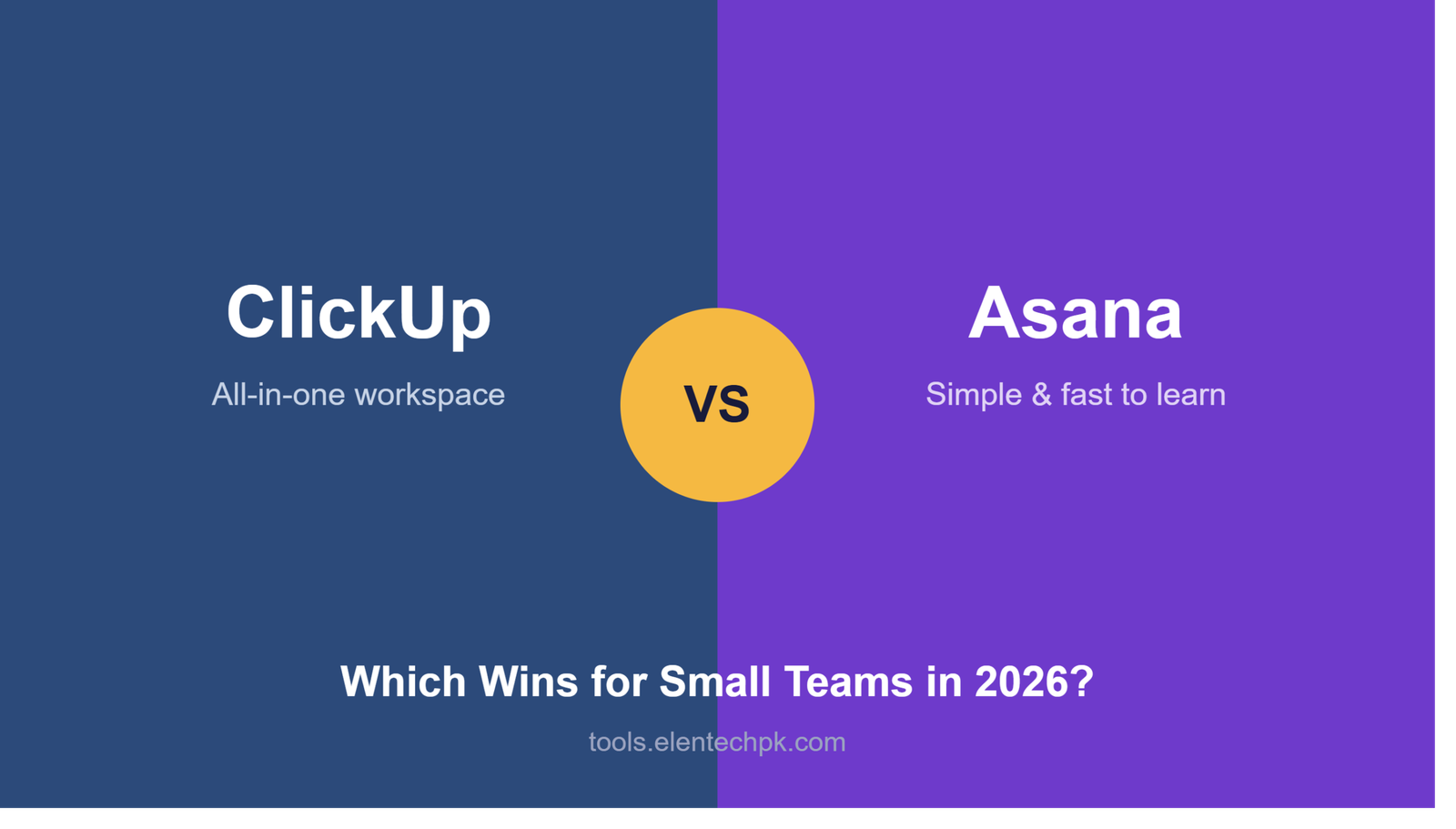
ClickUp vs Asana: Which Wins for Small Teams in 2026?
Comparing ClickUp vs Asana usually comes down to one trade-off: how
much power do you want versus how simple do you want it to feel.
Both are excellent, well-rated tools — here’s the honest breakdown
of where each one actually wins.
ClickUp vs Asana — Free Plan Comparison
ClickUp’s Free Forever plan is genuinely generous — unlimited tasks
and members, with core features like time tracking included even
on the free tier. Asana’s free plan is more limited, capping out at
10 team members and leaving out features like timeline view and
advanced reporting.
For a small team on a tight budget, ClickUp’s free plan covers more
ground before you’re forced to upgrade.
ClickUp vs Asana — Learning Curve
This is where Asana pulls ahead. Its interface is cleaner and more
intuitive out of the box, and new team members typically get
comfortable within a day or two. ClickUp packs in more features —
which is powerful, but it means a genuine learning curve; most
teams need about a week before it feels natural rather than
overwhelming.
If your team resists learning new software, Asana’s simplicity is
a real advantage. If your team is willing to invest a week upfront
for more built-in functionality, ClickUp pays that off.
ClickUp vs Asana — Built-In Time Tracking
ClickUp includes native time tracking on every task, at every
pricing tier including free. Asana doesn’t have built-in time
tracking at all — you’d need to connect a third-party integration
like Harvest or Toggl to get the same functionality, which means an
extra subscription and an extra app to manage.
If time tracking matters to how your team estimates and bills work,
this is a meaningful point in ClickUp’s favor.
ClickUp vs Asana — Views and Flexibility
Both tools offer multiple ways to look at the same data — list,
board, calendar, and timeline views. ClickUp goes further with
additional views like Gantt charts and native docs built into the
same workspace, while Asana keeps its view options more streamlined
and focused.
Teams that want maximum flexibility in how they visualize work tend
to prefer ClickUp; teams that want fewer decisions to make prefer
Asana’s more curated set of views.
ClickUp vs Asana — Pricing at Scale
ClickUp’s paid tiers start around $7/user/month (Unlimited) and
$12/user/month (Business). Asana’s paid tiers are similarly
structured, starting around $10.99/user/month (Starter) and scaling
up from there. At small team sizes, the difference is modest — it
becomes more noticeable as you add users across a larger team.
ClickUp vs Asana — Our Recommendation
Choose ClickUp if you want one workspace that replaces multiple
tools — tasks, docs, and time tracking together — and your team is
willing to spend a week getting comfortable with it.
Choose Asana if simplicity and fast onboarding matter more than
having every feature in one place, especially for teams that
resist adopting new software.
We tested ClickUp directly with a real team for a month — read the
full breakdown of what actually stuck and what didn’t → [link to
ClickUp review page]